Brokora · The engines
The Engines Behind The New Way.
For mortgage and protection advisers ready to leave the old way behind: every engine you work on as a member, what each one does, and the time it gives back.
 Members' edition · 2026
Brokora · The engines
For mortgage and protection advisers ready to leave the old way behind: every engine you work on as a member, what each one does, and the time it gives back.
Members' edition · 2026As a Brokora member, you can run every case, guide and client conversation from one connected workspace, with each engine ready from day one, saving you stress and your precious time.
Each engine is built for one job: clients in Bond, cases in Blueprint, guides in Almanac. They share the same records, so you type a client's details once.
2
Ask Orbix out loud and it finds, prepares and carries out the work across your engines once you say yes. Inside each engine, AI helps as you go.
Over 100 ready-made workflows run the follow-ups for you, so nothing is typed twice and no client is left waiting.
3
4
5
Every process answer, found in seconds.
Almanac is your firm's searchable library of how-to guides, for you, your team and your clients.
Perfect for
Advisers tired of hunting for 'how do we do this again', who want clients to find answers themselves instead of ringing for the same ones.
The old way it replaces
The shared drive of old procedure notes, the 'just ask someone' habit, and typing the same explanation to clients again and again.
6
You can search every process guide from the main search bar.
so you find the answer mid-call, without stopping to ask anyone.
Your clients can read the guides you share in their own portal.
so fewer 'what happens next?' calls interrupt your day.
Your team can work from the same written steps on every case.
so every file is done the same way, with fewer compliance worries.
Featured highlights
Live search, categories and tags, featured guides, drafts kept back until ready, copy a section or a whole guide in one press, links that never break, a share-with-clients tick, and a Knowledge Base page in each client's portal.
AI capabilities
Forj reads your published guides, and Concierge learns the ones you switch on, so their answers follow your firm's own way of working, not a guess.
Engine integration
Guides show in the main search bar beside your clients and cases, and shared guides sit in each client's portal next to their Blueprint cases and Desk requests.
Peace of mind
Guides you don't share stay internal, drafts never show, and staff-only guides never reach clients or Concierge.
7
Every case from fact-find to completion, in view.
Blueprint runs every mortgage and protection case, step by step, from fact-find to completion.
Perfect for
Advisers juggling several cases at once who want to know where each one stands, what is next and what is late, without digging through emails.
The old way it replaces
Case-tracking spreadsheets, sticky notes of what to chase, and ringing round to find out where each case has got to.
8
You can open a case on a ready-made mortgage or protection plan.
so fact-find, ID checks, application and offer steps are laid out for you.
You can see each case's next step and anything running late.
so nothing slips between application, offer and completion.
Your clients can follow their case in their own portal.
so fewer 'any news?' calls, and clients feel looked after.
Featured highlights
Ready-made plans for house purchase, remortgage, buy-to-let, protection review and equity release, a Next step card, step checklists, running-late and at-risk flags, case messages and files, and a progress page for each client.
AI capabilities
AI drafts your progress updates, sums up a case's conversation and writes the closing summary for you to check, so updates take moments. Nothing is sent until you send it.
Engine integration
Case messages run in Threads, case tasks sit on Sprint, client fees are raised in Collect, and every case shows on the client's Bond record.
Peace of mind
Clients only see their own case: stages, dates and progress, never staff names, notes or internal flags.
9
Every client and household, known before you call.
Bond keeps every client, joint applicant and household on one page, with their whole history.
Perfect for
Advisers who look after couples, families and repeat clients, and want everything said, agreed and consented to in one place before the next call.
The old way it replaces
The address book, client notes scattered across emails, and a separate spreadsheet of who agreed to what.
10
You can see every case, fee and message on one client timeline.
so you pick up the phone fully briefed, in seconds.
You can link joint applicants, partners and guarantors both ways.
so a couple's case is easy to find under either name.
You can record each client's consent with the date and wording.
so your consent trail is ready when a file is checked.
Featured highlights
One timeline per client, linked joint applicants and households, a quick money view, client health with the plain reason, consent records, each person's marketing choices, privacy request tracking, and tabs for their cases, tasks, files and requests.
AI capabilities
AI writes a short brief on each client with risks and openings, helps word messages in five tones and answers from that client's record only, so you prepare in moments.
Engine integration
Blueprint, Sprint and Desk each add a tab, Collect adds the client's fees, Relay hands over new enquiries with their consent, and Intake forms they send land on their record.
Peace of mind
Consent is kept with the date and exact wording, and each adviser sees only the clients their role allows.
11
Your own business books, kept as you go.
Books keeps your own business money in order, from receipts and expenses to the cash ahead.
Perfect for
Self-employed advisers who want expenses and income kept tidy through the year, not rescued in a rush at tax return time.
The old way it replaces
The shoebox of receipts, the bank-matching spreadsheet and a separate expenses app.
12
You can snap a receipt and Books reads it for you.
so no shoebox of receipts and fewer lost expenses at year end.
You can match your bank lines, with a plain reason for each match.
so your books stay up to date in minutes, not evenings.
You can see your cash ahead with a weekly forecast and budgets.
so you see a tight month coming between pay days.
Featured highlights
Receipt photo reading, expenses with categories, other income records, bank statement import with suggested matches, bank, cash and card accounts, a weekly cash forecast, budgets with over-budget flags, and profit and loss.
AI capabilities
AI reads the supplier, date, total and category from a receipt photo and suggests bank matches with a plain reason. You set how sure it must be before it acts.
Engine integration
Client fees paid through Collect are matched and never counted twice, Lens reports on your figures, and Bank Connect can bring bank lines in by themselves.
Peace of mind
You decide how much it does on its own, and undo only removes what Books itself made.
13
Your whole week, on one calendar.
Calendar shows everything that is due, booked or promised across your workspace, all in one place.
Perfect for
Advisers juggling client meetings, case deadlines and follow-ups, who are tired of checking five screens to plan one day.
The old way it replaces
The paper diary, the wall planner and a separate calendar subscription.
14
You can see meetings, tasks, case deadlines and reminders side by side
so nothing slips between one case and the next
You can add or move an event in seconds, from your dashboard too
so planning your day takes moments, not a morning
You can send an event to your connected Google Calendar
so your phone stays in step wherever you are
Featured highlights
Month, week, day and list views, a filter for each kind of item, colour-coded events, private or shared events, reminders before an event starts, and a calendar card on your dashboard.
AI capabilities
None needed: it shows exactly what each engine has already put on it. Orbix can open any event for you straight from its cards.
Engine integration
Sprint tasks, Blueprint cases, Collect invoices, Pitch quotes and every engine's reminders appear on it, so your whole day is in one view.
Peace of mind
Your private events stay yours, and a Google problem never loses an event saved here.
15
Client fees paid, without the awkward chasing.
Collect sends your client fee invoices and chases them for you until they are paid.
Perfect for
Advisers who charge client fees and would rather spend their time advising than chasing payments or ringing clients about money.
The old way it replaces
Fee-chasing spreadsheets, awkward reminder calls and a separate invoicing app.
16
You can let reminders go by email, text or post on days you set.
so the chaser goes out without you, and stops once they pay.
You can spread a fee into instalments or note a promise to pay.
so clients find it easier to pay, and you keep track without effort.
Your clients can see their invoices and statements in their portal.
so fewer calls are about what they owe.
Featured highlights
Fee invoices, online card payments, reminder plans by email, text and post, payment plans of 2 to 24 instalments, promises to pay, money owed by age, and a portal page for each client's invoices.
AI capabilities
Describe the fee in plain words and AI drafts the invoice. It also words your reminders and gives a plain check of what you are owed, so chasing stays polite and on time.
Engine integration
Every Bond client gets a money view, Blueprint cases can be set to close only once fees are paid, Books matches the payments, and Line items drop straight onto an invoice.
Peace of mind
Reminders stop once the fee is paid, a letter is never posted after payment, and cards are charged only with consent.
17
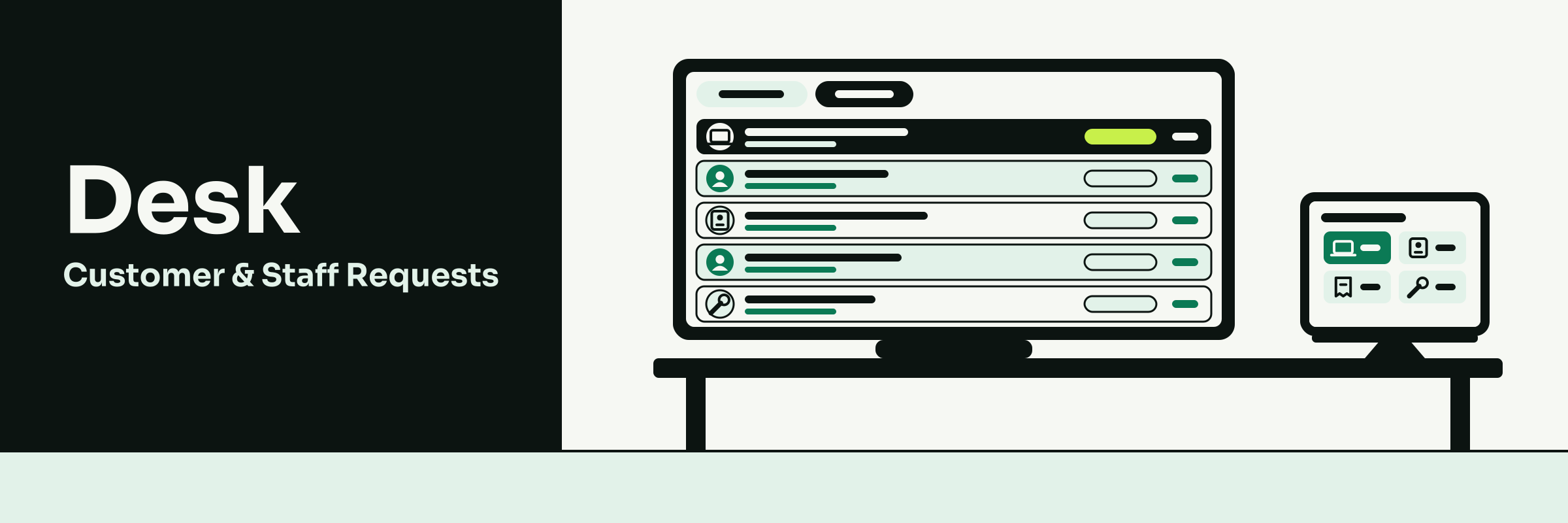
Every client question answered, nothing missed.
Desk puts every client question from email and the client portal in one queue, so you always know who is waiting for a reply.
Perfect for
Advisers whose clients ask "any update?" by email or through their portal, and who want their own questions to the back office handled the same tidy way.
The old way it replaces
Client emails lost in a busy inbox, sticky notes about who is replying, and "has anyone got back to them?" calls.
18
You can see every client question in one place, with a reply deadline on each.
so no client is left waiting and wondering where their case is.
You can pause the clock while a client sends their payslips or bank statements.
so deadlines count only your time, not theirs.
Your clients can raise a question in their portal and follow it to an answer.
so the "any update?" calls drop and you keep your day.
Featured highlights
Client emails turned into tickets, questions from the client portal, reply-by deadlines, a clock that pauses while the client gets back to you, saved replies, private notes, merging duplicates, a named cover person for a missed deadline, AI summaries and drafts, private back-office requests.
AI capabilities
AI sums up a long client thread, suggests a next step and drafts a reply, with email addresses and account numbers blanked first. You check and send it, so replies go out faster.
Engine integration
Every Bond client has a Tickets tab, Envoy emails, Threads chats and Intake forms can become tickets, and a new request rings your bell and your phone.
Peace of mind
A private request is seen only by you, its department and administrators, and nothing reaches a client unsent.
19
Never stuck on a screen, even on day one.
Forj is your built-in guide: ask "how do I...?" by typing or talking and get a plain answer and a button to the right page.
Perfect for
Every adviser, especially new members finding their feet, who would rather ask than hunt through menus or wait for someone to show them.
The old way it replaces
Waiting for training, long how-to videos and messaging a colleague to ask where something is.
20
You can ask how to do anything, like adding a client, in plain words.
so you never lose time hunting through menus.
You can be taken straight to the right page with one tap.
so new members are working on cases from day one.
You can ask out loud and hear the answer.
so your hands stay free while you work.
Featured highlights
Plain answers on every screen, "Take me there" buttons, "what is this page for?", voice questions with spoken answers, a guided welcome, suggested questions, and a chat that remembers where you left off.
AI capabilities
Forj knows every part of your workspace, reads the screen you are on and keeps itself current as new tools arrive, so its answers match what you see.
Engine integration
Forj reads your Almanac guides and handles the how-to questions you ask Orbix out loud, so help is there however you ask.
Peace of mind
If Forj does not know, it says so and never invents a page. It only offers pages your role can open.
21
Your own website, for your own brand.
Frame lets you make your own one-page website for your own trading style, and keeps your workspace polished from day one.
Perfect for
Advisers building their own brand who want a professional website of their own, without paying a web designer.
The old way it replaces
Paying a web designer and separate hosting, or a website that carries someone else's name.
22
You can make your own one-page website for your trading style
so clients and referrers can find you and see your name
You can give your site your own logo, colours and web address
so it looks like your company, not someone else's
You can sign in on day one to a workspace already styled and ready
so your time goes on clients, not on setting up software
Featured highlights
Your own one-page website with your own web address, made with the included website builder, plus a workspace already styled for you and screens kept easy to read.
AI capabilities
AI can help write the words on your page, filling only the blanks, and you check them before anything goes live. It never writes over your own edits.
Engine integration
Your logo and brand kit from Emblem carry onto your site, and enquiry forms from Relay and Intake can sit on your page.
Peace of mind
Every page is checked so it is easy to read, and AI never writes over your own edits.
23
Your pipeline and fees, live, in plain English.
Lens turns your own leads, applications, tasks and fees into live reports, so you know how your month is going without a spreadsheet.
Perfect for
Advisers who want to see how their business is really doing, from new enquiries to fees paid, without exporting a thing.
The old way it replaces
Monthly spreadsheet exports, counting cases by hand and guessing how the month is going.
24
You can ask "how many leads came in this month?" and see the real figure.
so you know where you stand without building a spreadsheet.
You can set a target and see if you are Ahead, On track or Behind.
so you can act early in the month, not after it ends.
You can have your weekly figures emailed to you.
so the numbers come to you, with nothing to remember.
Featured highlights
Ready reports, charts and single-figure tiles, this month against last, click any figure to see the records behind it, trend lines, targets marked Ahead, On track or Behind, alerts when a number moves and reports emailed on a schedule.
AI capabilities
Ask in plain words and Lens builds the report from your real records. The AI only suggests the settings and Lens works out the figures, so you can trust what you see.
Engine integration
Lens reads Relay leads, Bond clients, Intake applications, Sprint tasks, Blueprint, Desk and Collect, so every figure comes from work you already do.
Peace of mind
You see only your own figures, and the AI never makes one up. Every answer runs on your real records.
25
Your client agrees and signs on their phone.
Pitch sends your fee quotes, proposals and client agreements, and your client accepts and signs them online.
Perfect for
Advisers who want fee agreements and terms of business signed before the fact-find starts, without printing, posting or chasing a wet signature.
The old way it replaces
Word letters, emailed PDFs, printing for a wet signature and ringing the client to ask whether they have signed yet.
26
You can send your £595 fee agreement, already set up for you.
so the paperwork is done in minutes and the fact-find starts sooner.
Your clients can read, ask a question, accept and sign on their phone.
so there is no printing or posting, and fewer chasers for a signature.
You can turn a signed fee into an invoice in one click.
so nothing is typed twice and your fee is billed the moment they agree.
Featured highlights
Fee quotes and proposals in your own look, online accept and decline, signing on any phone, a record of who agreed and when, client comments, expiry reminders, client agreements with renewal dates, a list of what is waiting to be signed, and every document in your client's portal.
AI capabilities
Writes a first draft of a quote or proposal from a few words, and drafts the follow-up email, so you only check and send. The advice and the figures stay yours.
Engine integration
A yes becomes a Collect invoice, agreements file on the client's Bond record, accepted proposals are logged on the Relay case, so every record stays in step.
Peace of mind
Once signed, an agreement's client, value and dates are locked, so your signed record cannot be changed by mistake.
27
No enquiry or referral left to go cold.
Relay keeps every enquiry and referral on one board, so you see where each case stands from first call to completion.
Perfect for
Advisers taking enquiries from referrals, introducers, past clients and their website, who want every one followed up and none forgotten.
The old way it replaces
The enquiries spreadsheet, sticky notes, a referral list in a notebook and trying to remember who you last spoke to.
28
You can see every case on one board and drag it on as it moves.
so you know where each case stands without digging through emails.
You can see which cases have gone quiet, with an alert when one sits too long.
so you follow up before a client goes elsewhere, and more cases complete.
You can text or email the client straight from the case.
so every call, email and meeting sits on one timeline for your file.
Featured highlights
One board with mortgage stages already set up, the source of every lead such as a referral or introducer, website enquiry forms, alerts on cases left too long, a case timeline of emails, texts, calls and meetings, and consent records.
AI capabilities
With Concierge, sums up a case, suggests your next step and drafts the follow-up email, so you pick up any case in seconds. You read it and decide.
Engine integration
A won case moves to Bond with its history and consent, and can start a Pitch fee quote, a Collect invoice or a Sprint card, so nothing is typed twice.
Peace of mind
What each person agreed to, and how, is recorded and follows them to their client record, so consent is never lost.
29
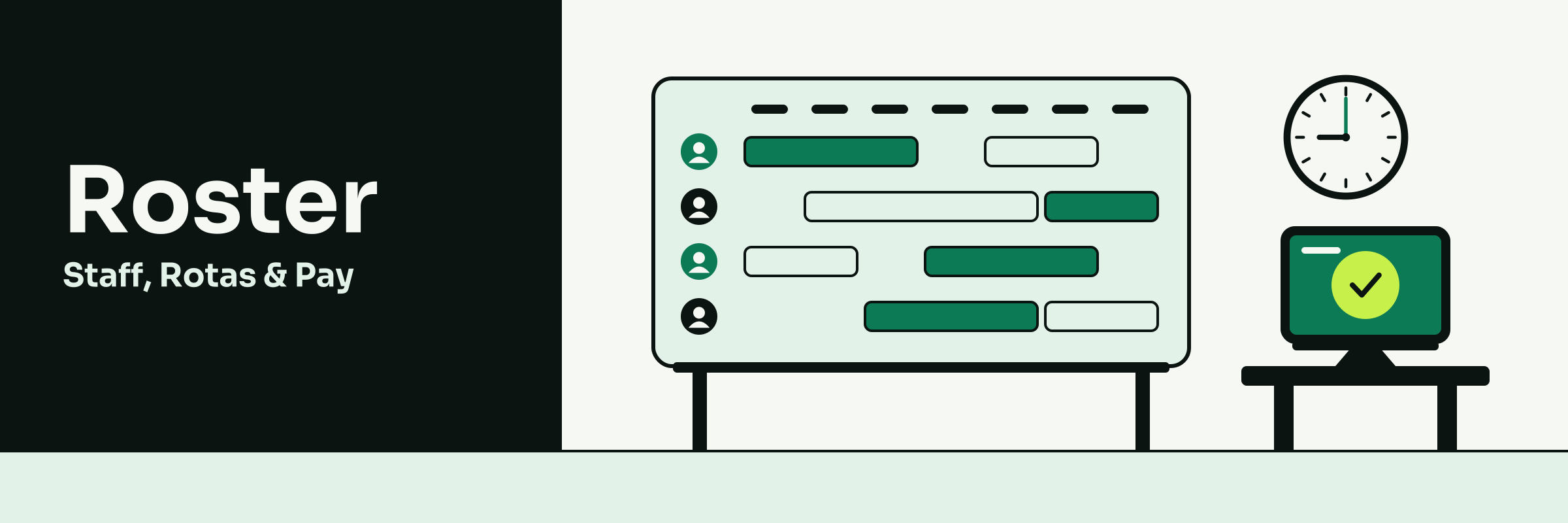
Your joining steps and documents in one place.
Roster gives you one list of your joining steps and keeps your own documents safe, with a reminder before any run out.
Perfect for
Advisers joining Brokora who want their set-up steps clear, their qualifications and ID stored once, and a nudge before anything lapses.
The old way it replaces
Joining packs sent by email, certificates lost in an inbox and finding out a document has lapsed when someone asks for it.
30
You can see every joining step in one list and tick them off.
so you know what is left and start seeing clients sooner.
You can upload your own certificates and ID once.
so they are safe in one place, with a reminder before any expire.
You can keep your own details and emergency contact up to date yourself.
so there are no forms to send back and forth to change them.
Featured highlights
My Roster for your own record, a joining list with due dates, reminders when a step is due, a private document store, expiry reminders on your documents, forms to complete as you join, and a weekly check-in whose answers stay anonymous.
AI capabilities
Drafts welcome emails and joining step lists for the team that supports you, so your set-up is clear from day one. People check it first.
Engine integration
Joining steps can put cards on Sprint, and Intake forms complete steps when you fill them in, so your progress updates itself.
Peace of mind
You see only your own record and documents, and check-in answers are never shown person by person.
31
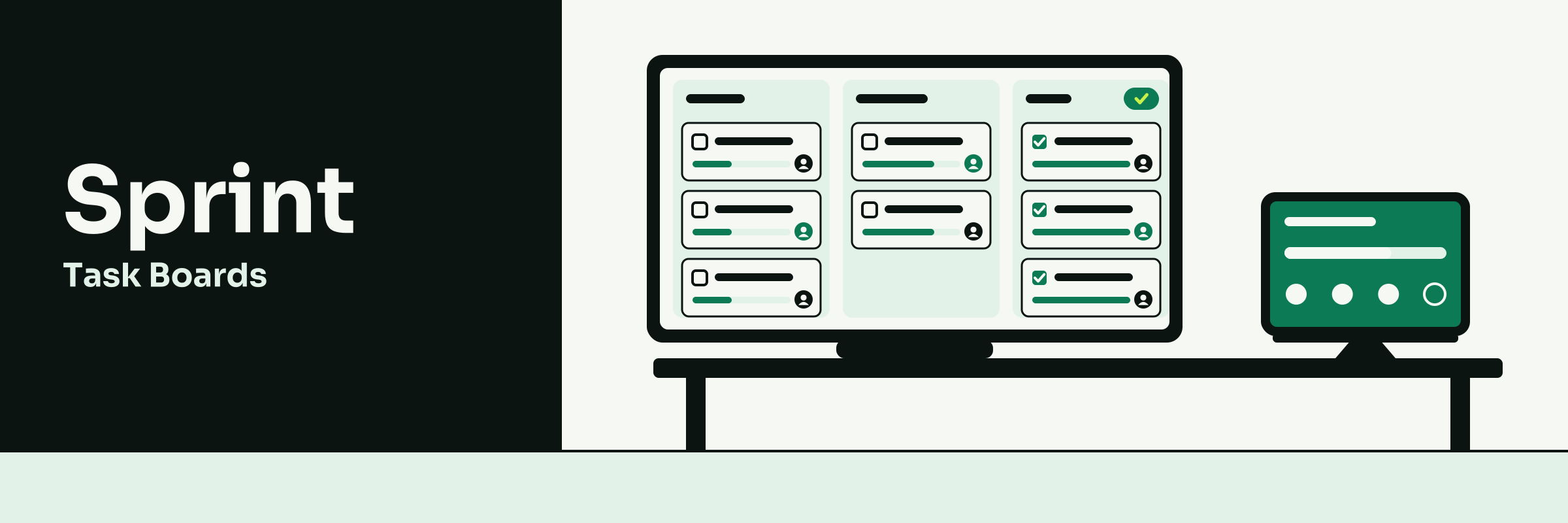
Know where every case has got to.
Sprint puts every case's to-dos on one board, so you and your client can see what is done and what is next.
Perfect for
Advisers running several cases at once who want every to-do, deadline and client task in one place instead of in their head.
The old way it replaces
Whiteboards, to-do lists, sticky notes and ringing clients to ask whether they have sent their documents yet.
32
You can see every case's next step and deadline, with a reminder first.
so nothing slips and you stop carrying every case in your head.
Your clients can see their own tasks, like sending payslips, and tick them off.
so documents come in sooner and you chase less.
You can have work arrive by itself when a case is won or a form comes in.
so a new case is ready to work with no retyping.
Featured highlights
A mortgage case board already set up, cards with checklists and due dates, overdue counts, daily due-date reminders, client tasks with an email when one is set, client comments and ticks in their portal, and easy moves on a tablet.
AI capabilities
Describe the case in plain words and it suggests every card with a checklist and due date, and writes a progress summary, so planning takes seconds. You choose what stays.
Engine integration
Won Relay cases, Blueprint projects and Intake answers arrive as cards, and Orbix can move them by voice, so your board keeps itself up to date.
Peace of mind
Cards are your real tasks, not copies, so every engine sees the same work and nothing is lost.
33
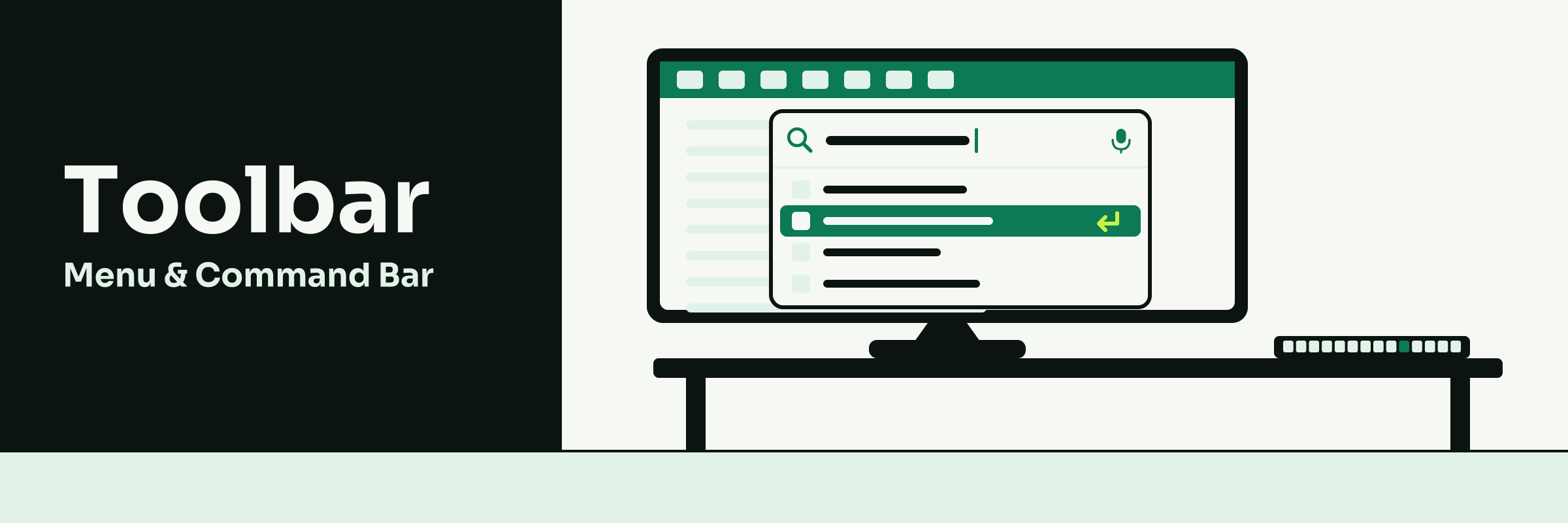
Get to any screen in seconds.
Toolbar lets you jump anywhere in your workspace by typing or saying where you want to go.
Perfect for
Advisers who move between clients, cases and calls all day and want fewer clicks between them.
The old way it replaces
Hunting through menus, browser bookmarks and a dozen open tabs.
34
You can press one shortcut, type or say what you want, and land there.
so you spend less time clicking and more time with clients.
You can see notifications and your calendar from any page.
so you never miss a reply or appointment mid-case.
You can open your most used screens from a folder that builds itself.
so the screens you need each day are always one click away.
Featured highlights
A command bar on one shortcut, voice commands, pinned shortcuts, an automatic Most used folder, quick-create, notifications and calendar pop-ups, and a menu laid out the way you like.
AI capabilities
With Concierge, turns plain words, typed or spoken, into the right screen, so you get there without hunting. It only picks real screens, never invents one.
Engine integration
Finds every engine and Intake form in your workspace by itself, so new ones appear without setup.
Peace of mind
Your own layout never changes anyone else's, and without AI it falls back to normal search.
35
Your bank, matched in your books by itself.
Bank Connect brings your business bank lines into your Books every day, read-only, so your own books stay current with no uploads.
Perfect for
Self-employed advisers who want their bank and books matched through the year, ready for their tax return.
The old way it replaces
Downloading bank statements and uploading them by hand.
36
You can link your business bank account through Open Banking
so statements never need downloading and uploading again.
You can see new bank lines arrive in your Books every day
so your books are current whenever you look, not at year end.
You can let exact matches link themselves
so most of the matching is done before you look.
Featured highlights
Open Banking link, up to two years of history, daily updates, live balances, matching before you look, and pause, renew or disconnect at any time
AI capabilities
None of its own. Books matches each line and explains anything it is unsure of.
Engine integration
Lines land in your Books and keep the cash forecast fresh, and Orbix can tell you what is in the bank.
Peace of mind
Read-only. It cannot move money and never sees a bank password.
37
Ready-made sections, for a site that's all yours.
Blocks gives you ready-made page sections, so building pages for your own brand is quick and looks polished from the start.
Perfect for
Advisers building their own brand who want a professional website quickly, without paying a web designer or learning to code.
The old way it replaces
Paying a web designer, a separate website-builder subscription and separate hosting.
38
You can drop ready-made sections onto your page and move them into place
so your site comes together quickly, without a designer
You can have your words written for your trade, then make them your own
so your page speaks to clients the way you would
Your clients can enquire through a form on your page
so new enquiries land in Relay without you chasing them
Featured highlights
Ready-made page sections you drag into place, words written for your trade, stock photos, previews for phone, tablet and computer, enquiry forms, and your own web address with its padlock.
AI capabilities
Writes your page's words for your trade, picks and checks the pictures, and can rewrite text or add a section when you ask. You check it before it goes live.
Engine integration
Works inside Frame for your own one-page website, takes your logo and colours from Emblem, and Relay and Intake forms drop onto any page.
Peace of mind
The AI never writes over your own edits, and your web address gets its padlock with no separate hosting bill.
39
Ask about any client. The follow-up is ready.
Concierge answers your questions from your real client records and prepares the follow-up work, ready for your yes.
Perfect for
Advisers who want a client's full story in seconds, and clients who want answers out of hours without waiting for a call back.
The old way it replaces
Digging through notes, emails and folders for a client's history, and clients waiting until morning for a simple answer.
40
You can ask for your day, any client or a client snapshot in plain words
so you go into every call with the full story, without hunting
You can have it draft the email, add the task or book the diary slot
so the follow-up is done before your next client, once you say yes
Your clients can update details, rebook or get the right form in their portal
so fewer "any update?" calls and happier clients by morning
Featured highlights
A chat panel on every page, your day at a glance, find any client fast, client snapshots, drafted emails and replies, tasks and diary entries, case briefs from the whole history, answers from the Almanac, portal chat for clients, hand-over to you
AI capabilities
Concierge is the AI. It sees only what your role allows, drafts and prepares the work, and asks before it changes anything, so you stay in control and the advice stays yours.
Engine integration
It reads Bond, Envoy, Desk, Relay and the Almanac, turns a client chat into a Desk ticket or a Relay lead, and powers the AI in Desk and Relay.
Peace of mind
Every change waits for your yes, and a client is known by their sign-in, never by what they type.
41
Your Name Above The Door.
Emblem helps you make your own logo and brand identity kit for your own trading style, so clients remember your name.
Perfect for
Advisers who want to build their own company brand and reputation, without paying a designer or becoming authorised themselves.
The old way it replaces
Paying a designer, a logo done by a friend, or working under someone else's name.
42
You can make your own logo, colours and fonts for your trading style
so clients see a firm of your own from the first hello
You can keep your whole brand identity kit together in one place
so your website and social posts always look like you
You can build a name clients trust and recommend
so the reputation you earn grows your own business
Featured highlights
A guided brand interview, logos in your chosen style, a five-colour palette, fonts, brand voice and taglines, every file size you need, and images for your social media.
AI capabilities
Writes your brand words and taglines, and draws logos in your chosen style, checking them before you see them. Every manual tool still works without AI.
Engine integration
Your Frame website takes your logo and colours, so your own site matches the rest of your brand.
Peace of mind
Your trading style sits under Straker Financial Services, authorised and regulated by the Financial Conduct Authority.
43
Your own inbox, right inside your workspace.
Envoy gives you your own inbox on your work address, right inside your Brokora workspace, beside your clients and cases.
Perfect for
Advisers juggling lender, solicitor and client emails who want one professional inbox beside their cases, without switching apps.
The old way it replaces
Switching between personal mail and your case software, and hunting through forwards for the lender's email.
44
You can read and send client and lender email without leaving your workspace
so every reply sits beside the client's case, not in another app.
You can sum up a long lender thread and draft your reply with AI
so you answer faster, and you check every word before it goes.
A new email rings your bell and your phone the moment it lands
so no client waits, and one tap opens the email.
Featured highlights
Your own work address, Gmail and Outlook sign-in, a Starred folder, private notes, saved replies, snooze and priority, deep search, virus-checked attachments, and email to any Bond client in a click
AI capabilities
AI drafts a reply to your instructions, sums up a long lender thread in a few lines and rewrites in your tone, so you reply faster, and you check every word before it goes.
Engine integration
Emails show on the Relay lead's timeline, any email can become a Desk ticket, Bond clients are one search away, and Orbix can read, draft and file mail by voice.
Peace of mind
Your inbox is yours alone, attachments are virus-checked, and a leaver's mailbox is never left unread.
45
Send the fact-find. The case checks itself.
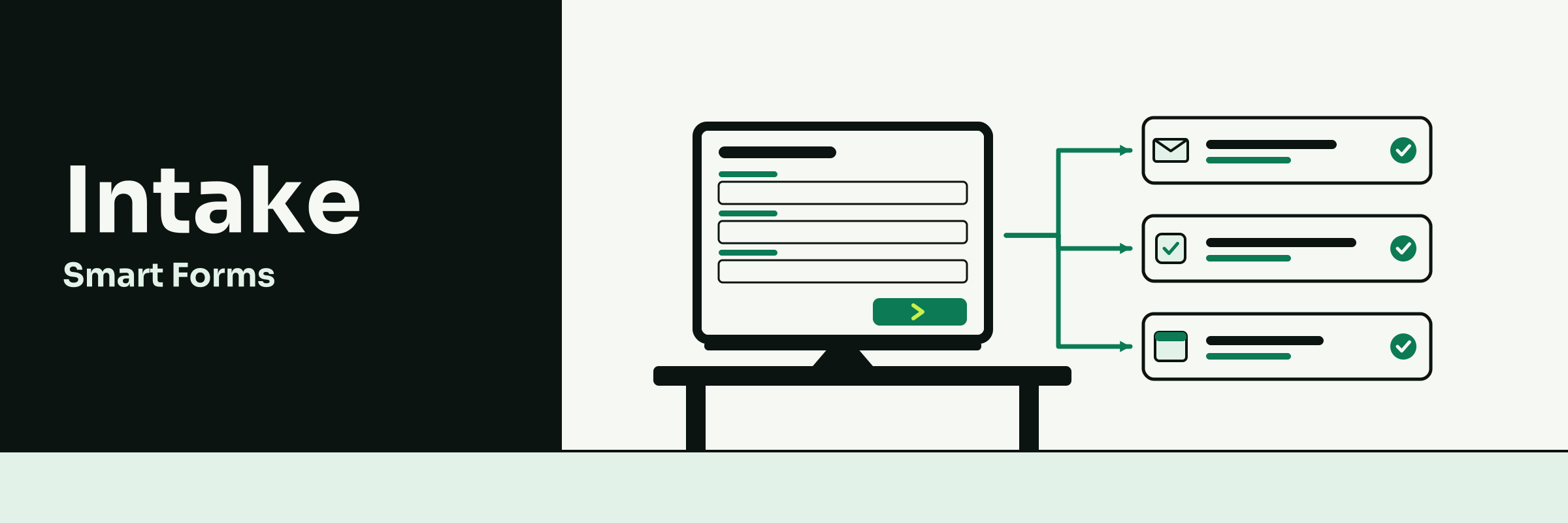
Intake sends your client a ready-made fact-find, then checks the whole case before you submit it.
Perfect for
Mortgage and protection advisers who want fact-finds back complete, documents checked and every file ready for review without the late-night scramble.
The old way it replaces
Typing the fact-find twice, chasing paper payslips, and checking every document by hand the night before the file goes to compliance.
46
You can send a ready-made mortgage or protection fact-find in moments.
so you never build a form and your client can start tonight.
Your clients can fill it in on their phone, upload payslips and ID, and sign.
so you spend less time chasing paper and more time advising.
You can have the whole case checked against your checklist before you submit.
so fewer files bounce back from compliance or the lender.
Featured highlights
Ready-made mortgage and protection fact-finds, joint applicants, uploads and photo ID checks by phone, e-signatures, a case score with plain findings, document date and expiry checks, sanctions checks, signs of edited documents, remortgage and AIP expiry reminders
AI capabilities
The AI reads every upload, checks names, figures and dates against the form, totals payslips and statements, and works the checklist's sums, like income multiples and loan to value. You decide.
Engine integration
A sent fact-find can add the client to Bond, open a secure Threads chat for the case, raise a Desk ticket for any finding and file the check report on the client's record.
Peace of mind
Every check is kept on record, and nothing is marked passed unless the documents prove it.
47
Your digital full-time case progressor.
Orbix is your hands-free digital progressor: ask for any client or case and it shows it, prepares the work and acts on your yes.
Perfect for
Advisers on the move, in the car, between viewings or client meetings, who want their day run by voice instead of clicking through screens.
The old way it replaces
Clicking through a dozen screens, ringing round for case updates and typing on your phone between appointments.
48
You can say "Hi Orbix" and ask who has a document outstanding.
so you know where every case stands without opening a screen.
You can hear a spoken briefing of what is due and waiting on you.
so you start each morning knowing exactly what needs you.
You can have chasers, emails and tasks prepared and done on your yes.
so the admin gets done while you stay with your clients.
Featured highlights
"Hi Orbix" hands-free, interrupt it mid-sentence, a live view of your cases, a spoken morning briefing, unread mail read aloud, reminders, handing jobs to colleagues by voice, notes sent to your phone, a history of every job, and undo
AI capabilities
Orbix understands natural speech, answers from your real client and case records, and prepares the work, then asks before it acts, so nothing happens without your yes. You stay in charge.
Engine integration
Works across Bond, Relay, Blueprint, Sprint, Collect, Pitch, Envoy, Threads, Lens and more, all on one set of records, so one sentence reaches any client, case or figure.
Peace of mind
Nothing happens without your yes. It only sees what your role allows, every job is logged and most can be undone.
49
Your fact-find call, written up for you.
Recall records your client meetings, from fact-find calls to annual reviews, and writes up the notes for you.
Perfect for
Advisers who run fact-find calls and reviews by video and are tired of typing up notes for the file afterwards.
The old way it replaces
Scribbled notes during the call, typing them up for the file at night, and a separate meeting app plus a note-taker subscription.
50
You can meet clients by video with a waiting room and a passcode.
so your client joins from one link with no app to install.
You can have the summary, decisions and action points written up for you.
so your file notes are done before the next client call.
You can send a follow-up email drafted from the meeting itself.
so your client gets a clear recap while the call is fresh.
Featured highlights
Video meetings with a waiting room and passcode, screen sharing, recording, Meet and Teams calls brought in, transcripts, summaries, decisions, action points, ask the meeting a question, PDF or Word notes, follow-up email drafts, clip links and auto-delete
AI capabilities
The AI writes the transcript, summary, decisions and action points, answers questions about what was said, and drafts the follow-up email, so your notes are ready to check and file.
Engine integration
Notes land on the client in Bond, the case in Blueprint or a Desk ticket, action points become Sprint tasks, and Envoy sends the follow-up.
Peace of mind
Clients agree before anything is recorded, and old meetings can delete themselves on a schedule you set.
51
Secure chat with clients. Off your personal phone.
Threads gives you secure chat with your clients and your team, in one place that keeps every message with the case.
Perfect for
Advisers whose clients would rather message than email, and who want case chat off WhatsApp and their personal phone.
The old way it replaces
WhatsApp groups on personal phones, client messages lost across texts and email, and a separate team-chat app.
52
Your clients can message you from their portal and send files.
so updates arrive in one place, and your phone tells you the moment they do.
You can let an auto-reply cover your evenings in your own words.
so clients feel looked after while you take your evening back.
You can see the client's case details beside the chat as you talk.
so you answer "any update?" in seconds, not after a hunt.
Featured highlights
Client portal chat, team and case chats, file attachments, voice notes, scheduled messages, quiet hours, client memory, chat summaries, suggested replies, tone changes, translation, search, and turning a chat into a Desk ticket
AI capabilities
AI sums up long chats, suggests replies, changes the tone, translates, and answers out of hours from your real records, so clients get a reply and you keep control of the advice.
Engine integration
Every Bond client has a Conversations tab, each Blueprint case has its own chat, a fact-find in Intake can open one, and any chat can become a Desk ticket.
Peace of mind
Clients only ever see their own chats, and every message stays with the business when staff leave.
53
E-invoices, if ever asked.
Courier turns an invoice into an e-invoice file when someone asks for one.
Perfect for
Advisers who bill a firm that asks for structured e-invoice files.
The old way it replaces
Building e-invoice files by hand or retyping invoices into portals.
54
You can download an e-invoice in one click.
so a firm's request takes seconds.
You can export a period's files as one ZIP.
so your accountant gets them at once.
You can attach it to invoice emails.
so you never send it by hand.
Featured highlights
One-click download on any invoice or credit note, bulk ZIP export, automatic email attachment, and totals checked first.
AI capabilities
None needed: every file is filled exactly from your real invoice.
Engine integration
Works straight from Collect's invoices and credit notes.
Peace of mind
A faulty file is never handed over.
55
The right fee, every time.
Line keeps one fee list, so quotes and invoices show the right amount.
Perfect for
Advisers who send fee quotes or invoices and want the amount right first time.
The old way it replaces
Typing fees by hand and out-of-date quote templates.
56
You can pick a fee from a list.
so you never type it wrong.
You can change a fee once.
so it is right everywhere.
Your clients can see one fee.
so there are no surprises.
Featured highlights
Your £595 client fee and every other fee in one list, used on Pitch quotes and Collect invoices; a change made once shows everywhere.
AI capabilities
Can draft a clear description for each fee on the list.
Engine integration
Pitch quotes and Collect invoices pick from the same list.
Peace of mind
One list, so no fee is ever out of date.
57
Records out, in one click.
Outflow lets the office download client, lead and payment records.
Perfect for
The office team and accountants. Advisers never need to touch it.
The old way it replaces
Copying records off screens by hand.
58
Your team can export in one click.
so reports take no copying.
Your team can open files in Excel.
so accounts are quick.
You can trust the files.
so figures match records.
Featured highlights
Exports of clients, contacts, leads, expenses and payments, for any period, with readable columns.
AI capabilities
None needed: it exports exactly what is in your records.
Engine integration
Reads Bond, Relay, Books and Collect, and changes nothing.
Peace of mind
Only admins can export, and passwords are always left out.
59
The details you need, already on the record.
Shape adds the extra details you need to your client records, so nothing lives in a side note.
Perfect for
Advisers who want the details that matter kept on the client record.
The old way it replaces
Side spreadsheets and notes boxes stuffed with details.
60
You can keep product expiry and other mortgage details on the record.
so nothing lives in a notebook.
You can see which records have details missing.
so gaps are found before a file check.
You can have empty details suggested for you.
so you approve, not retype.
Featured highlights
Mortgage details such as product expiry already on client and case records, fields that show only when needed, checks on what is typed, and a score for missing details.
AI capabilities
Suggests values for empty fields from the record itself, so you approve, not retype. Nothing saves until you do.
Engine integration
Its fields show in Bond, Relay, Pitch and Sprint, and Intake forms can fill them in.
Peace of mind
Every bulk edit and AI change can be undone.
61
Your next step
Every engine in this book is ready from your first day as a member, alongside Orbix and the commission package you choose.
Apply to join at brokora.co.ukChoose how you are paid, from no monthly fee up to 100% of your commission.
Mortgage And Protection Advice, Reborn.Tap a page edge, swipe, or use the arrow keys to turn the page.